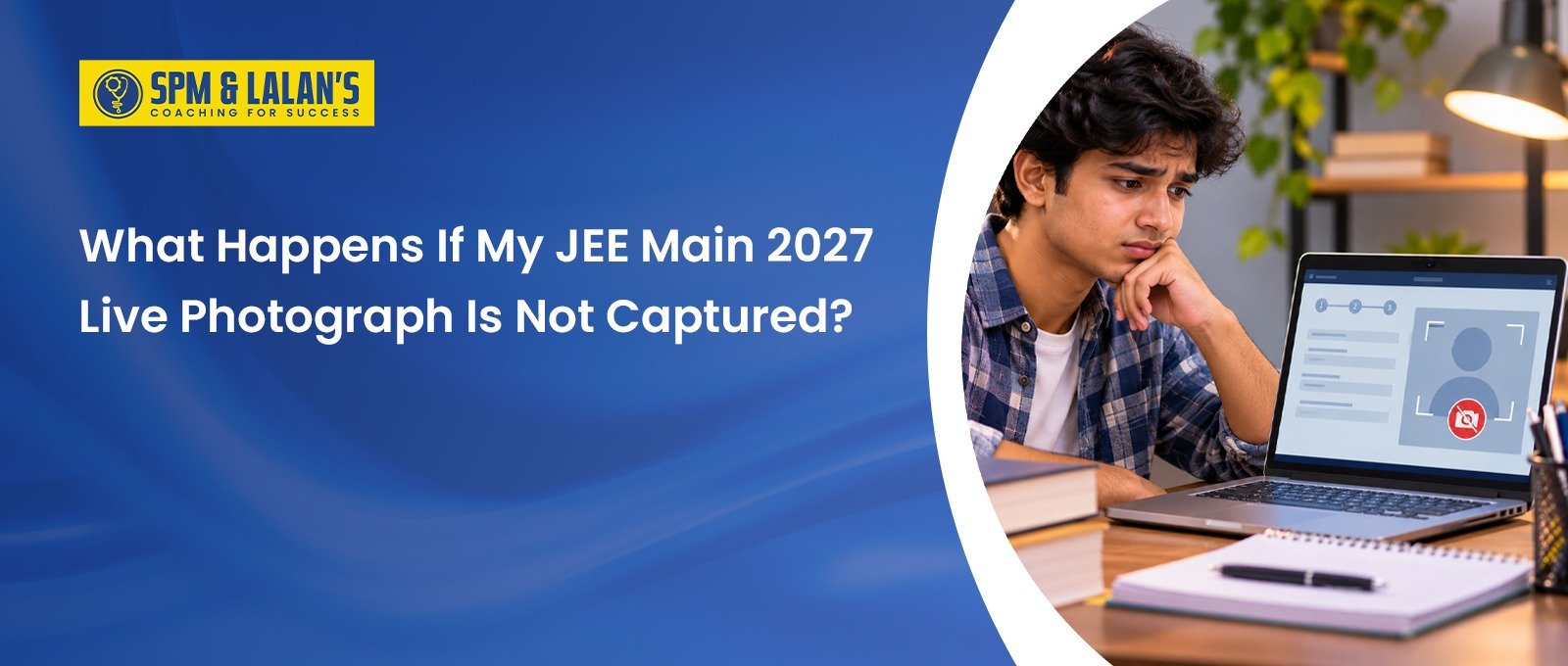

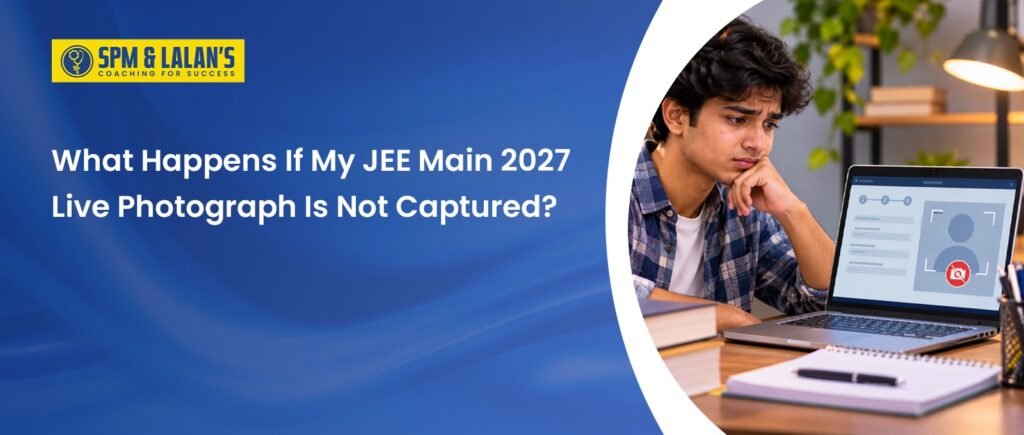
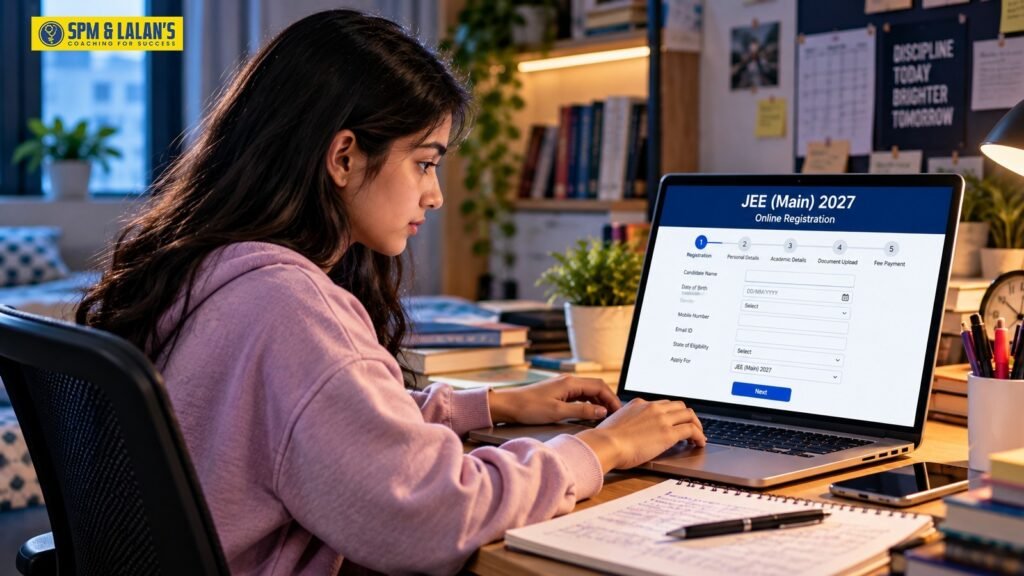
The live photograph is an important part of the JEE Main application process. Candidates must capture or upload the required photograph before completing their registration. Therefore, if your JEE Main 2027 Live photograph is not captured successfully, you may not be able to complete the application process. NTA provides options to capture the photograph using a webcam or through a mobile phone or tablet by scanning the QR code displayed on the application form.
What Happens If the JEE Main 2027 Live Photograph Is Not Captured?
If the live photograph is not captured or the process remains incomplete, the application may not proceed to the final submission stage.
| Situation | What may happen |
| Live photograph not captured | Application process remains incomplete |
| Camera does not work | Try another permitted device or capture method |
| Photo does not meet requirements | Recapture or upload the required photograph |
| Capture is successful | Confirmation such as “Image has been saved” may appear |
| Application remains incomplete | Payment/final submission may not be completed |
Candidates should not leave the photograph section incomplete. Complete the capture process before proceeding with the remaining application steps.
How Can You Capture the JEE Main 2027 Live Photograph?
NTA provides different ways to complete the live photograph requirement. Candidates should follow the instructions displayed on the application portal.
Using a Camera or Webcam
If you are filling out the form on a phone, laptop or desktop, you can use the available camera or connect a permitted webcam.
Follow these steps:
- Turn on the camera or connect the webcam.
- Open the live photograph section.
- Follow the instructions displayed on the screen.
- Position your face correctly within the camera frame.
- Capture the photograph.
- Check whether the image has been saved successfully.
Using the QR Code
The application form may provide a QR code that allows candidates to use a mobile device or tablet for capturing the photograph.
You can:
- Scan the QR code using the permitted device.
- Follow the instructions shown on the mobile device.
- Capture the photograph.
- Confirm that the image has been saved.
- Return to the application process and continue the form.
What If the Live Photograph Capture Fails?
If the JEE Main 2027 Live photograph is not captured properly, do not immediately submit the form. First, check whether the problem is related to your camera, lighting, internet connection or positioning.
You can try:
- Checking whether camera permission is enabled.
- Using a different permitted device.
- Ensuring the camera lens is clean.
- Moving to a properly lit location.
- Keeping your face clearly visible.
- Following the instructions shown on the capture page.
- Using the available recapture option if the image is not satisfactory.
The live photograph section may provide options such as Capture Live Photograph, Upload Photograph and Refresh Captured Photo. Use the appropriate option according to the instructions displayed on the portal.
What Are the Photograph Requirements?
Candidates should follow the photograph requirements carefully to avoid rejection or technical problems.
| Requirement | Details |
| Photograph type | Recently scanned passport-size photograph where required |
| Colour | Colour photograph |
| Face visibility | At least 80% of the face visible, including ears |
| Mask | Not allowed |
| Background | White background |
| File format | JPG/JPEG where upload is required |
| File size | 10 KB to 200 KB where applicable |
| Photo quality | Clearly visible and legible |
| Candidate | Must be the applicant’s own photograph |
The final JEE Main 2027 Information Bulletin should always be checked for the exact technical specifications applicable to the application process.
Why Is Proper Face Visibility Important?
Your face should be clearly visible when capturing the live photograph. Avoid covering your face with a mask, scarf or other items that prevent proper identification.
Keep these points in mind:
- Face the camera directly.
- Keep both ears visible as required.
- Use proper lighting.
- Avoid shadows across the face.
- Use a plain white background.
- Do not wear a mask.
- Keep your appearance natural and clearly visible.
Following these requirements can reduce the chances of problems during application or identity verification.
What If There Is a Photograph or Identity Mismatch?
Candidates should make sure that the photograph submitted belongs to them and clearly represents their current appearance. A mismatch between the live photograph and identity records may require additional verification if NTA issues such instructions. Therefore, use your own photograph and carefully follow the identity-verification requirements mentioned in the official instructions.
Can You Correct a Photograph After Submitting the Form?
Candidates should not assume that every photograph-related mistake can be corrected later. NTA may provide a correction facility for certain application details, but the availability and scope of corrections depend on the official notification. Candidates can also check the JEE Main 2027 correction window for information about correction dates, permitted changes and the official procedure.
If you face a technical issue:
- Check the official JEE Main portal for instructions.
- Look for any correction window announced by NTA.
- Follow the prescribed procedure.
- Contact the official helpdesk if the problem continues.
It is always better to capture and submit the photograph correctly during the initial application rather than depending on a later correction facility.
Conclusion
A successfully captured JEE Main 2027 Live photograph is important for completing the application process. If the photograph fails to capture, check your camera, lighting, device and positioning, and use the available capture or refresh options. Before submitting the form, carefully verify that your photograph meets NTA’s requirements and keep checking the official Information Bulletin for the final 2027 instructions. Once the application process is complete, candidates can focus on exam preparation and follow an effective JEE Main attempt strategy to improve time management, question selection and accuracy during the examination.
Students seeking structured guidance can also explore JEE Main and Advanced preparation programmes to strengthen their concepts, practise regularly and prepare confidently for the examinations.
Frequently Asked Questions
Can I skip the live photograph while filling out JEE Main 2027 form?
No. The live photograph is part of the application process and should be completed according to NTA’s instructions before final submission.
What should I do if my camera is not working?
Check camera permissions and try another permitted device or the QR-code-based capture method if available. Also ensure that your browser and device allow camera access.
What happens if my photograph does not meet the requirements?
A photograph that does not follow the prescribed requirements may create problems during application or verification. Follow the latest NTA specifications carefully and recapture or upload the photograph when permitted.
For academic support and entrance examination guidance, students can visit SPM & LALAN’S Coaching Centres in Guwahati to explore the available JEE coaching programmes.
Students and parents planning a visit can view SPM & LALAN’S coaching centre location on Google Maps for directions and location details.
Also Read…

This article is written by the SPM & LALAN’S Content Team, a group of skilled writers, researchers, and content strategists passionate about creating accurate, reliable, and student-friendly educational content. Every article is thoroughly researched, fact-checked, and updated to ensure readers receive trustworthy and relevant information. The goal is to help students make informed academic decisions through clear, well-researched, and easy-to-understand content.